WeekHaven for Slack
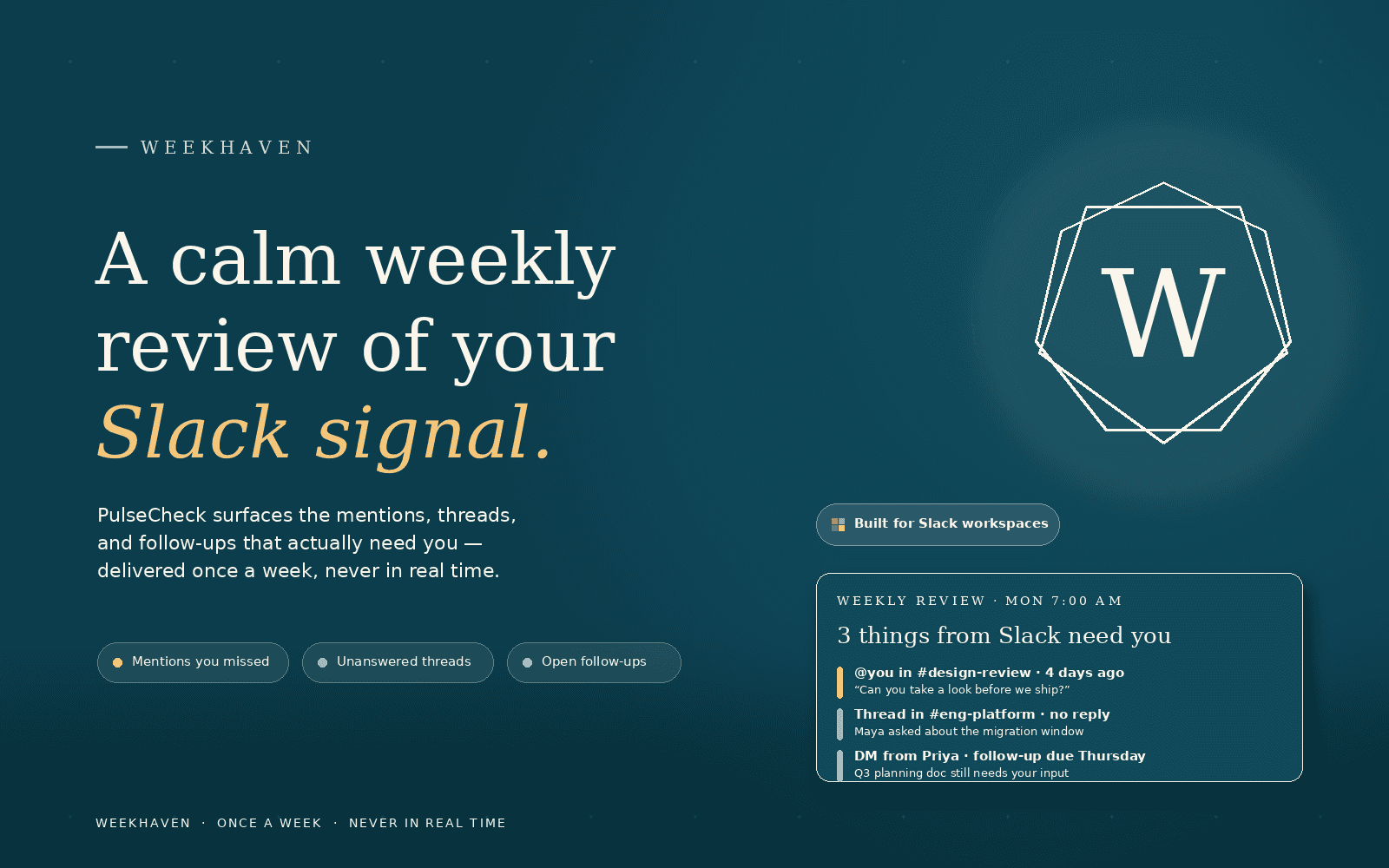
One calm weekly digest from your Slack channels and DMs — no bots, no notifications.
Add to Slack
Now in private beta — invite-only access
How it works
1. Connect
Sign in to WeekHaven and authorize Slack. We request only the minimum read permissions needed to generate your review.
2. Choose
Select the channels and direct message conversations you want included. Everything else is ignored.
3. Receive
Get one calm weekly review email summarizing what happened in Slack. No real-time pings, no bots, no noise.
What data we read
WeekHaven requests the following Slack OAuth user-token scopes on your behalf:
channels:read— enumerate the public channels you are a member ofchannels:history— read message history from those public channelsim:read— enumerate your direct message conversationsim:history— read message history from direct message conversations you explicitly includeusers:read— resolve Slack user IDs to display names so message metadata is human-readable
How we handle messages
For each message we read, we extract only a lightweight metadata record in memory: the channel or DM name, the sender's display name, the message timestamp, and a preview of the message text capped at 200 characters. We never read the full message body beyond that 200-character cap. These previews are processed in memory only and passed directly to the AI inference provider that generates your weekly review. They are not written to any WeekHaven database table and are discarded as soon as the review is generated.
Privacy & security
- User token only (xoxp-*) — no bot scopes requested
- Your Slack token is stored encrypted at rest in our database
- Disconnect any time from Settings → Connections inside WeekHaven
Frequently asked questions
What permissions does WeekHaven request?↓
We request five user-token scopes: channels:read, channels:history, im:read, im:history, and users:read. These allow us to enumerate your channels and DMs and read message history on your behalf. We do not request any bot scopes or write permissions.
Does WeekHaven post messages or send me DMs?↓
No. We request a user token only — no write scopes are requested. WeekHaven cannot post messages, send DMs, or interact with your Slack workspace in any way.
Is my Slack message data stored?↓
Raw message previews are processed in memory only during weekly review generation and are discarded immediately after. Only the AI-generated weekly review summary is persisted — not the underlying messages.
How do I disconnect WeekHaven from Slack?↓
Go to Settings → Connections inside WeekHaven and click Disconnect. You can also remove WeekHaven from your Slack workspace via Slack → Settings & Administration → Manage Apps. Either action immediately invalidates the stored token and stops any further data collection.
What does this cost?↓
See our Pricing page for current plans. Pricing
Ready to bring clarity to your Slack?
Add to SlackLast updated: 2026-05-24